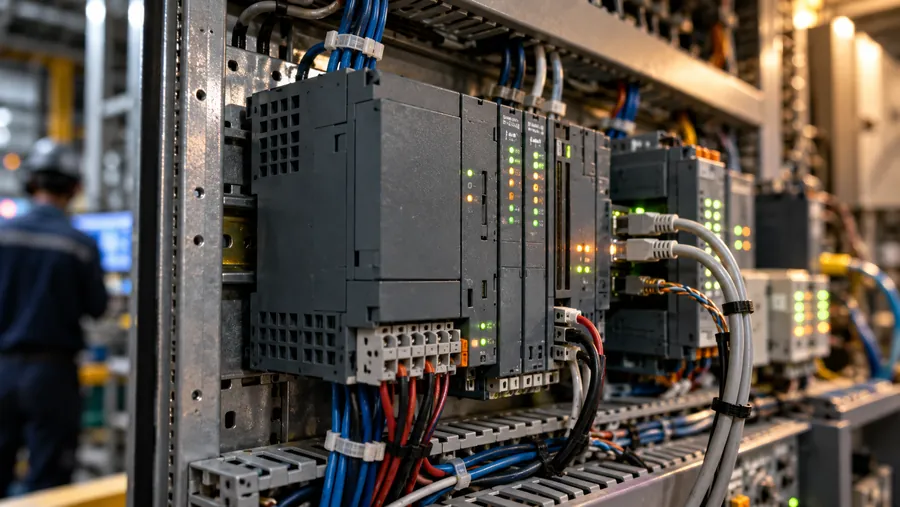
Connect the data. Then plan the management view.
Start with equipment, networks and data formats. Assess Modbus, APIs or file imports before planning dashboards, alerts and reports. A6 connection scope requires project confirmation.
SHEET 02 · Architecture
From field signals to management screens.
First inventory the PLCs, sensors and meters on site. Then confirm how to connect them, what each role needs to see and who should be notified when something changes.
- Choose Modbus, API or file import to suit the equipment
- Edge equipment collects, organizes and sends the data
- Configure boards, alerts, reports and permissions by role
- Confirm connection scope and site conditions before pricing and scheduling
Where the data lives determines the first step.
Equipment and meters
Bring controller or meter models, available data points and protocol details to assess A6 connection needs individually. Existing LED interface support is not an A6 support list.
- Field layer
- PLC
- Machine signals
- Meters
- Sensors
- Manual status
- Edge layer
- Industrial PC (IPC)
- Data collection
- Local logic
- Signal processing
- Transport
- Modbus
- API / import
- Cloud
- A6Platform
- Dashboard
- Alert rules
- Role permissions
- Output
- Management views
- Andon boards
- Report export
- Improvement tracking
A6.AIAI proposes. You approve.
SHEET 03 · Security
Permissions, records and pre-deployment checks.
Plan permissions by user role and review common application risks using OWASP principles. Confirm deployment with the customer’s IT team; this overview does not establish certification or completed security controls.
Access and role permissions
Define view and operation permissions by role, then confirm the actual scope with the customer’s IT team.
OWASP-informed review
Review input validation, output encoding and common application risks using OWASP principles.
Error handling and records
Plan error and operating logs for troubleshooting. Confirm record retention and access requirements.
Pre-deployment checks
Confirm connections, deployment conditions and deliverables against project and customer IT requirements.
END · Next step
What would you most like to solve on site?
An equipment list, a panel photo or a problem you face every day is enough to start.
- 01An equipment list
- 02A panel photo
- 03A problem you face every day