SEASON / A6PLATFORMA6Platform · Industrial VisibilityA6.AIAsk the floor in one sentenceAI proposes, you approve

See the floor before downtime becomes a loss.

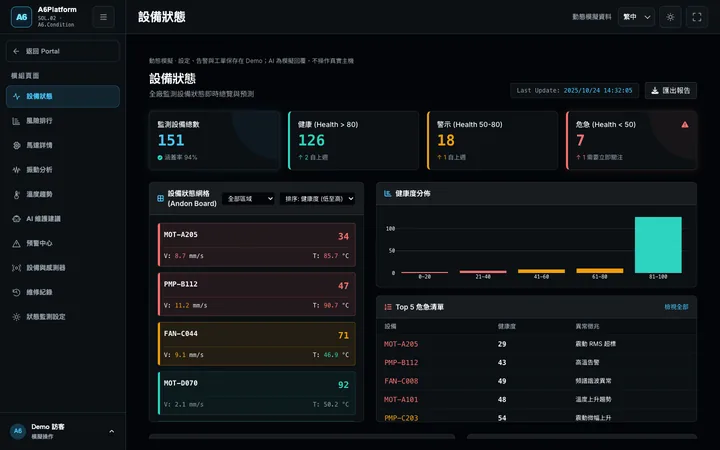
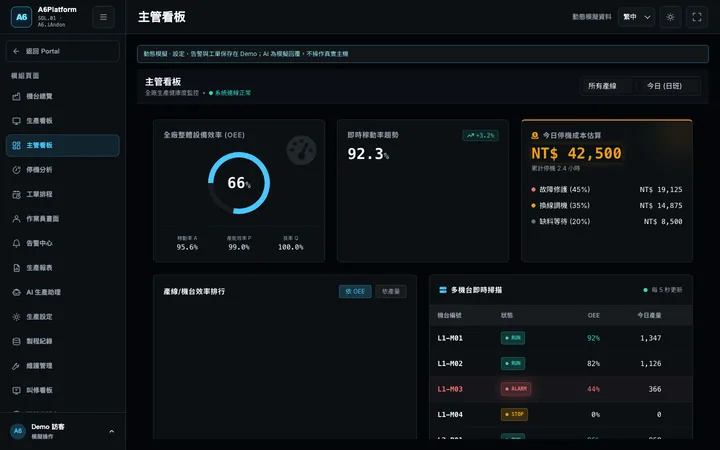
Which machine stopped, where it is running hot, which line is behind. A6Platform brings this into one view, so managers make fewer calls and see more of the floor.

A6.AIAsk the floor in one sentence
FIELD BOARD · CH02

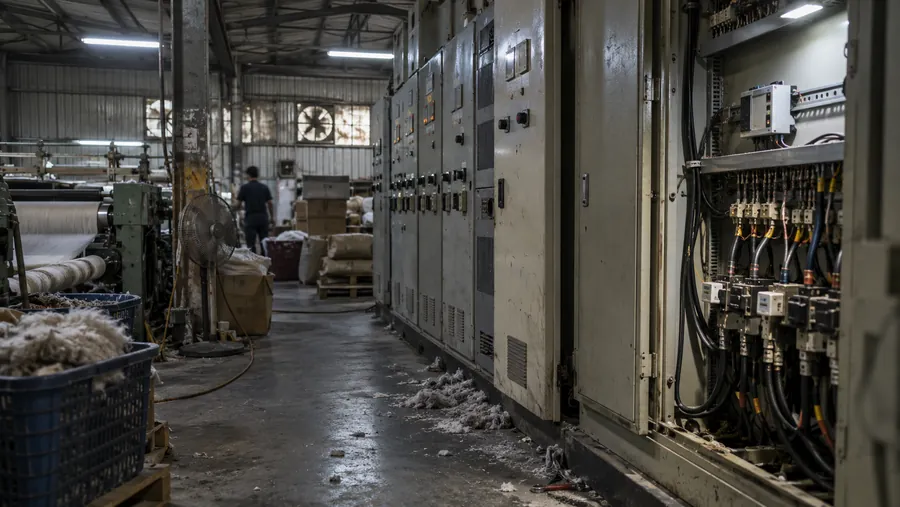
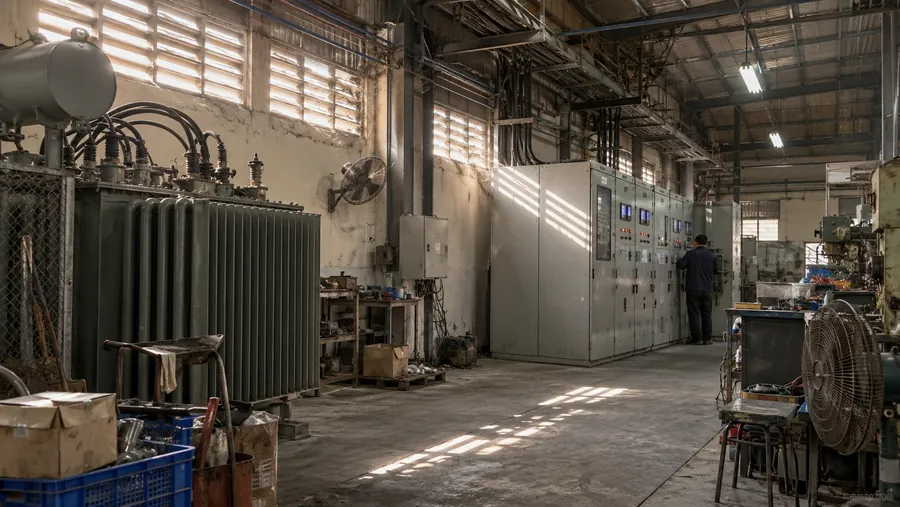
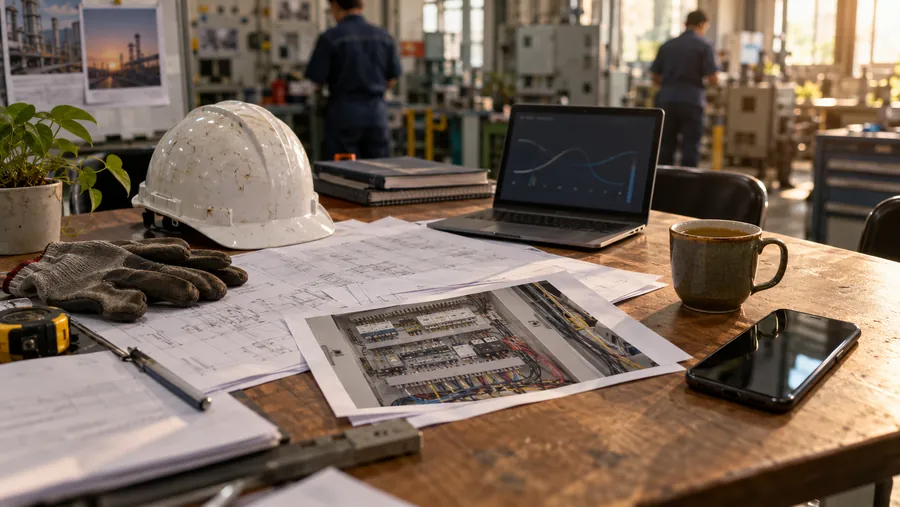
From field wiring to the screens managers check every day.

Season Industrial

Production management
Equipment and signal intake
Alerts and notification workflow
Schedules and work-order tracking
Reports and data export

SHEET 01 · Signal path

From one contact on a machine to the screen a manager reads.

01 FIELD

Site signals

Equipment, meters, sensors or operator-entered status, depending on project scope.

DI / AIModbusAPI

Connected data and functions are confirmed against site needs.

  1. 01 FIELD

    Site signals

    Equipment, meters, sensors or operator-entered status, depending on project scope.

    DI / AIModbusAPI
  2. 02 EDGE

    Edge collection

    A gateway or Box organizes signals, communication and data uploads.

    GatewayCommsUpload
  3. 03 PLATFORM

    Platform model

    Sites, equipment, alerts, reports and access rules are defined for the project.

    SitesAlertsAccess
  4. 04 OUTPUT

    Management views

    Dashboards, the mobile-browser AI Bot and on-site LED displays — one set of field data for everyone who needs it.

    DashboardsA6.AILED
SHEET 02 · Interactive demo

Choose an asset. Review its reading.

Choose an asset to review its reading, trend and status.

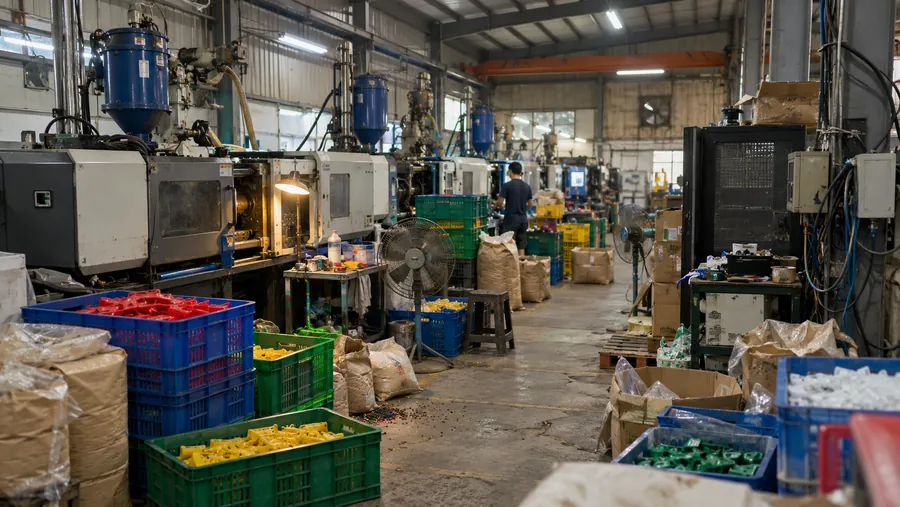
Factory · injection molding
6 areas · 12 assets
Choose a module
Select an asset to review its readings
1F MOLDING A
1F MOLDING B
MCC ROOM
2F MOLDING
COMPRESSOR ROOM
QC / PACKING
1F MOLDING A

M-103 · Injection molding machine

Review
Trend · 24 hours
Measure
Spindle bearing temperature
Reading
82.4 °C
Reference
58.0 °C
Difference
+24.4 °C
Source
TP-04 contact RTD
Display window
15 min
Discussion prompt

Review the bearing trend with the site team and confirm whether an inspection is needed.

SHEET 03 · A6.AI

Ask the floor in plain language.

AI proposes. You approve.

Example scenarios
Phone browser
AI
A6.AI
How many units has Line 2 made today?09:41
8,640 units, 96.2% of target.
Line 2 · Today's production
Today's output
8,640 units
Target
8,980 units
Attainment
96.2%
Utilization
87.4%
As of 09:41
09:41
Related platform view
Line 2 · Production overview
A6.iAndonLine 2
Today's output
8,640 units
Target attainment
96.2%
Utilization
87.4%
Work order
WO-2216

Every answer should point back to its source.

  1. Understand the question

    Identify the machine, time and measure. Ask again when the request is unclear.

  2. Check permitted data

    Use the site's agreed data and access rules; confirm before any schedule change.

  3. Return to the record

    Link the answer to a board, schedule or report so a person can verify it.

SHEET 05 · Launch film

Introducing A6Platform

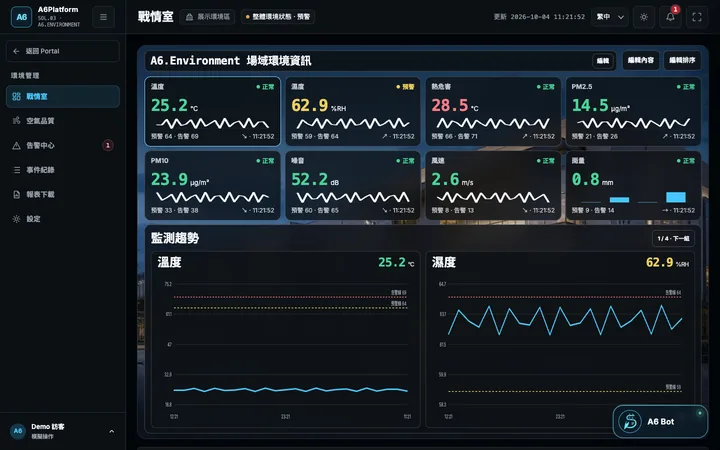
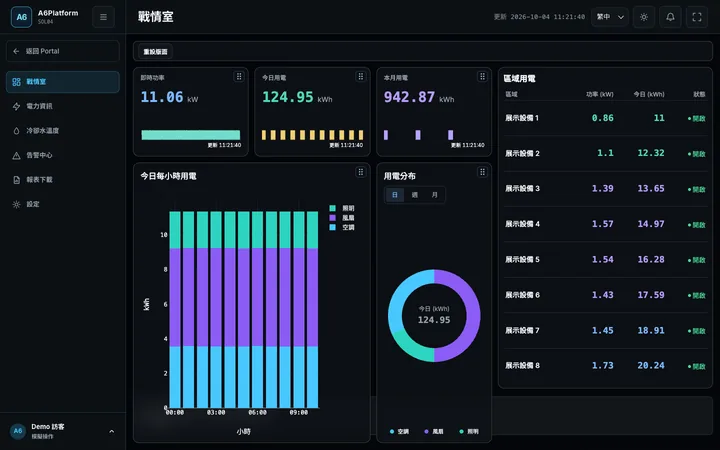
Production, equipment, environment and energy—in one view.

A6Platform launch film
SHEET 07 · Industries

Start with the equipment on your floor.

Choose an industry to see common equipment and related A6 areas.

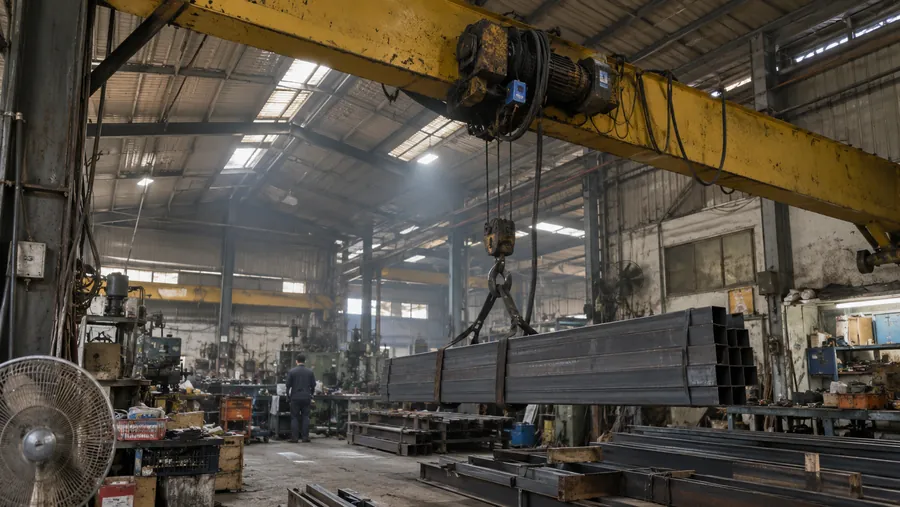
For stamping, welding and conveyance, review operating status, energy use and panel temperature.

Where the risk hides — Automotive
Stamping and welding machinesPanels and MCCsCranes and conveyorsCompressed-air system
Related A6 areas
A6.iAndonA6.ConditionA6.Environment
Application cases
8
Production records

Counts are existing case material.

SHEET 08 · LED displays

Put factory data on the wall.

Direct PLC connection, no PC needed. Fieldbus A6.LED shows output, speed and fault messages on the floor, and can be used on its own.

  • 01Modbus LED DisplayModbus RTU / TCP connects to PLCs, meters and instruments to display register data as text or values.
  • 02Mitsubishi PLC MELSEC UDP LEDConnect to Mitsubishi PLCs over MELSEC UDP to display production-line information on site.
  • 03DC 4-20mA / DC 0-10V LEDReceive DC4-20mA, DC0-10V, PT100 or thermocouple signals, with page cycling and upper/lower-limit alarm displays according to the selected module.
  • 04PT / Thermocouple Temperature LEDShow process, equipment or ambient temperature where operators and inspectors can see it without returning to the instrument.
  • 05PROFIBUS / PROFINET LEDPROFIBUS DP and PROFINET options suit Siemens control systems, industrial networks and information from multiple slave devices.
View the LED display line
A6.LED · TRY ITType a line

END · Next step

What would you most like to solve on site?

An equipment list, a panel photo or a problem you face every day is enough to start.
  1. 01An equipment list
  2. 02A panel photo
  3. 03A problem you face every day